User interaction
Specify bare fingers, the actual gloves, expected moisture and the size of touch targets.
A touch interface is a system. Sensor, controller, cover glass and adhesive need to work together in the conditions where your product is used.
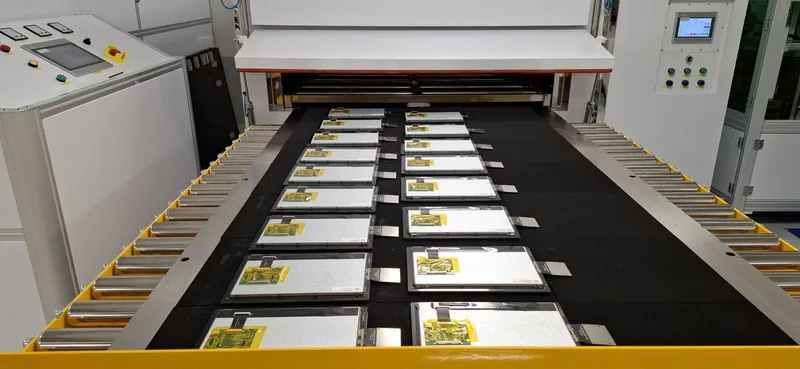
*Diagonal scope. Dimensions and stack suitability require technical assessment.
PCAP performance depends on the sensor and controller as well as the front materials. Cover-glass thickness, coatings, adhesive layers and electrical integration can affect response. Bonding can reduce optical parallax, but it does not by itself guarantee glove operation, wet-touch behaviour or electromagnetic compatibility.
Specify bare fingers, the actual gloves, expected moisture and the size of touch targets.
Consider printed borders, apertures, glass thickness, sensor position and the enclosure interface.
Assess touch response with the intended controller, firmware, power supply and assembled product.
Cover lens, touch sensor, bonding layer, panel and controller board all influence touch behaviour together. Mechanical, touch, optical and environmental requirements are best specified as one set, not decided one layer at a time.
Explore this topicA useful specification reduces uncertainty and gives the technical review a clear starting point.
No. The sensor, controller settings, glass and glove type all matter. Define the required behaviour and evaluate the intended stack.
Yes. Include the precise component references and drawings so their compatibility can be reviewed.
Share the display details, the environment and the project timeline.
Discuss your project